Rating:

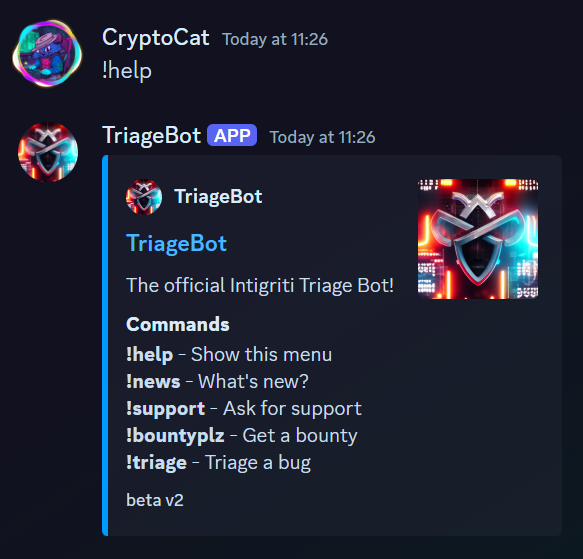
Here's the help menu for the discord bot.
![Image](https://cryptocat.me/blog/ctf/2024/intigriti/misc/triage_bot2/images/help-menu.png)

According to the `!news` command, there's a new `!read_report` command.
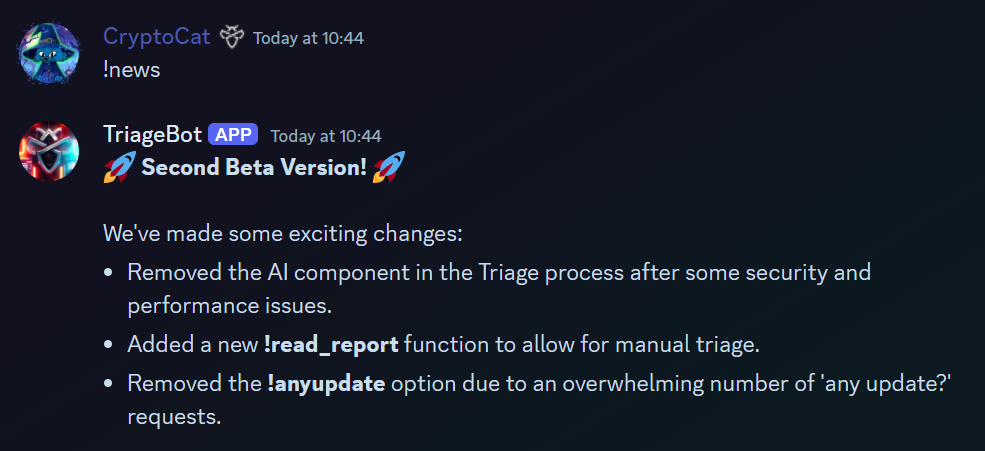
![Image](https://cryptocat.me/blog/ctf/2024/intigriti/misc/triage_bot2/images/news-message.png)

However, we lack the permissions to use it..
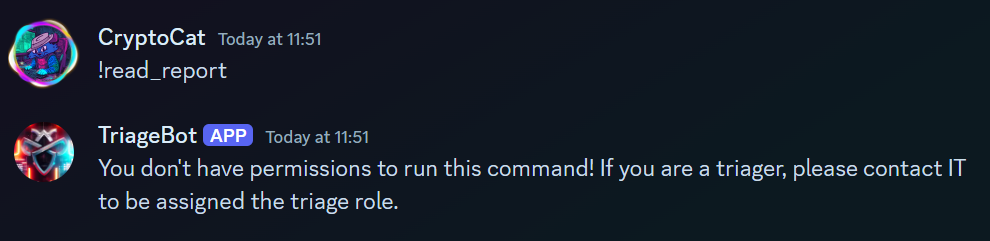
![Image](https://cryptocat.me/blog/ctf/2024/intigriti/misc/triage_bot2/images/permission-denied.png)

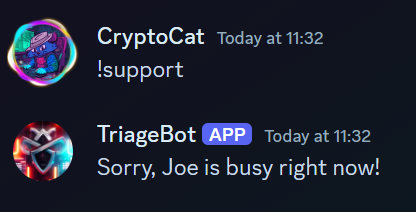
Let's try the rest of the commands.

![Image](https://cryptocat.me/blog/ctf/2024/intigriti/misc/triage_bot2/images/command-output-1.png)

![Image](https://cryptocat.me/blog/ctf/2024/intigriti/misc/triage_bot2/images/command-output-2.png)

![Image](https://cryptocat.me/blog/ctf/2024/intigriti/misc/triage_bot2/images/ai-images.png)

Not much functionality, apart from the cool AI generated images!

We need the `triage` role! We won't be able to give ourselves that role in the intigriti discord server. So we need to invite the bot to our own server, where we can assign ourselves the role.
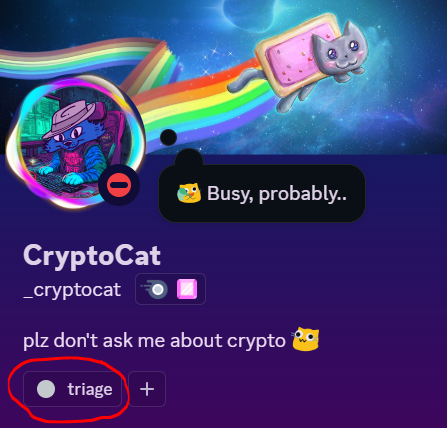
![Image](https://cryptocat.me/blog/ctf/2024/intigriti/misc/triage_bot2/images/bot-invite.png)

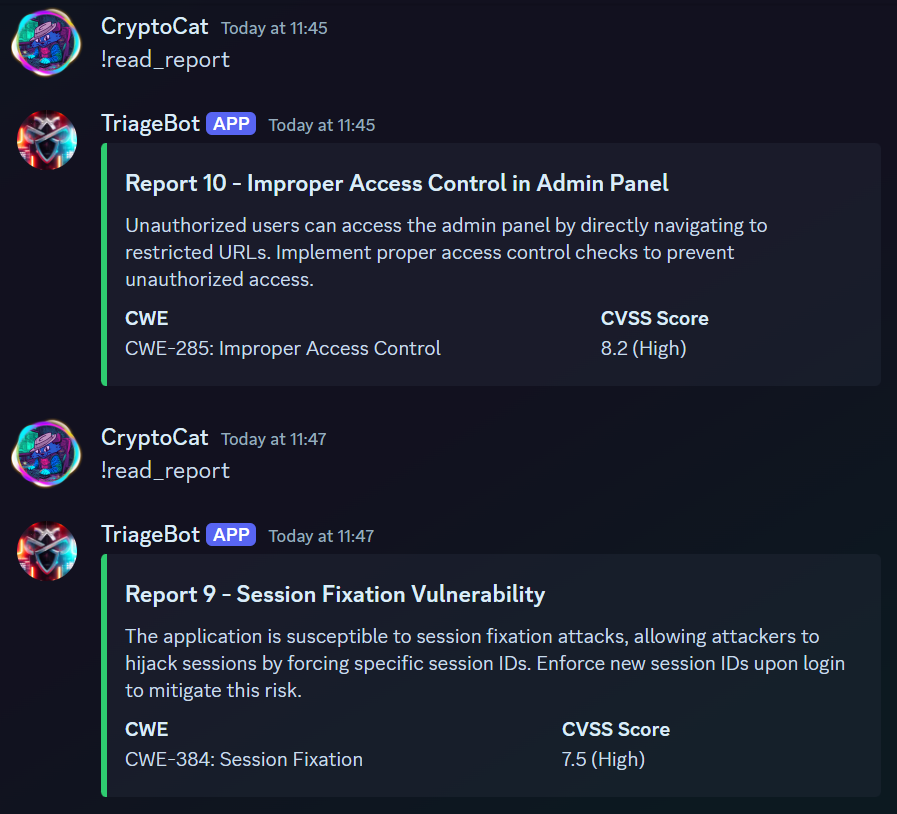
Now, we can read reports.

![Image](https://cryptocat.me/blog/ctf/2024/intigriti/misc/triage_bot2/images/read-report-success.png)

It appears to give a random one each time. What if we specify an ID?
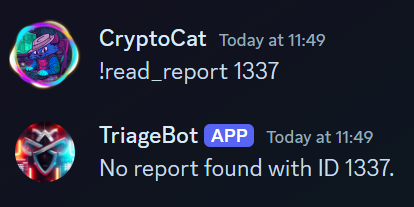
![Image](https://cryptocat.me/blog/ctf/2024/intigriti/misc/triage_bot2/images/report-id.png)

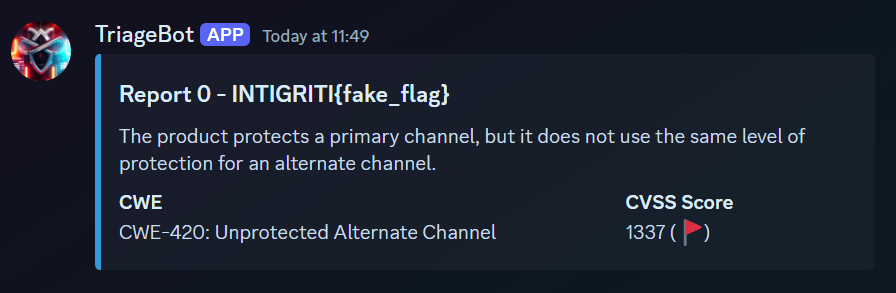
Interesting! How about ID `0`?

![Image](https://cryptocat.me/blog/ctf/2024/intigriti/misc/triage_bot2/images/flag.png)

We have the flag!

Flag: `INTIGRITI{4n07h3r_y34r_4n07h3r_7r1463_b07}`

Original writeup (https://cryptocat.me/blog/ctf/2024/intigriti/misc/triage_bot2/triage_bot/).